
Project Scope
The Introduction to Digital Accessibility is a self-paced, online course taking approximately 4 hours to complete. It builds awareness of digital accessibility principles, key terminology, common disabilities and assistive technologies, relevant laws and policies, and practical strategies for making digital materials more inclusive. It was designed for UCF faculty and staff, with no assumptions about where learners are starting from.
The course was a Provost initiative, developed in partnership with Student Accessibility Services and the Office of Nondiscrimination and Accommodation Compliance. It was built in Canvas LMS as part of my Instructional Design internship at UCF’s Center for Distributed Learning.
My involvement spanned the full instructional design lifecycle, from planning through pilot and iteration.
Course Map & Alignment
Course Map
It started with the course map, where we built out the structural foundation that aligned learning objectives, content, and assessments across every module before a single piece of content was created.
Assessment Alignment
From there, I developed the assessments with alignment tables to ensure every question tied back to a specific learning objective, keeping evaluation meaningful rather than performative. The module quizzes were created using the Canvas LMS New Quizzes feature.
Content Development
Course Graphics
Course graphics were custom-designed in Canva, with select images created or edited using generative AI tools (e.g., Canva Magic Studio and ChatGPT). Each image was chosen and refined to support the specific concept it accompanied rather than serve as a generic decoration.
Course Videos
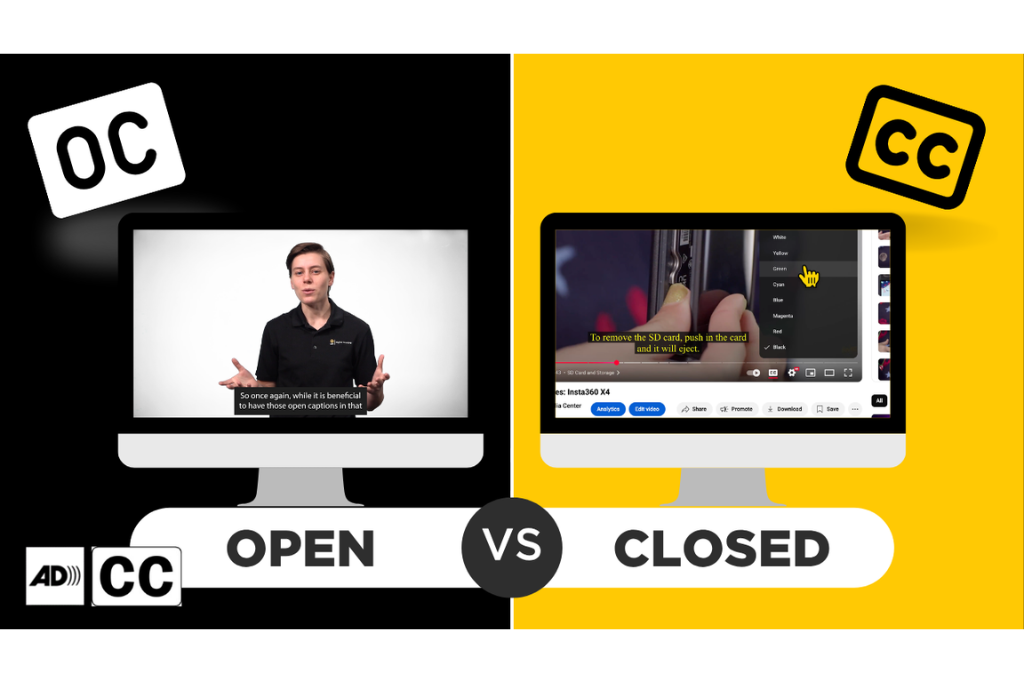
Video content came from three sources: existing online resources used under Fair Use, videos I storyboard and produced myself (e.g., Open vs Closed Captions), and videos created by partner teams from scripts and direction I provided.
Interactive H5P Knowledge Checks
Knowledge checks and interactive activities were built in using H5P widgets, giving learners low-stakes opportunities to apply concepts before moving on.
Sample H5P Knowledge Check: Accommodations vs Access

Personas and Scenario-Based Learning
Each module then closes with a narrative-driven ThingLink scenario featuring recurring personas. The scenarios grounded accessibility concepts in realistic workplace situations and gave learners a change to see the material in context before completing the module.
Sample ThingLink Scenario: Accessible Structure and Organization

Outcomes
The course has been adopted by at least 6 universities across the US and has 150+ completions in the UCF faculty and staff version alone within the first year.